> ## Documentation Index
> Fetch the complete documentation index at: https://docs.trunk.io/llms.txt
> Use this file to discover all available pages before exploring further.
# Other ticketing platforms
> Triage your flaky tests faster by manually creating tickets from generated markdown
If you have not set up an integration, Trunk Flaky Tests can still generate a ticket title and description so you can copy and paste the details into your project management software.
## Create a new ticket
You can create a new ticket for any test listed in Trunk Flaky Tests.
There are 2 ways to create a new ticket in the Flaky Tests dashboard:
* Click on the options menu for any test case on the repo overview dashboard
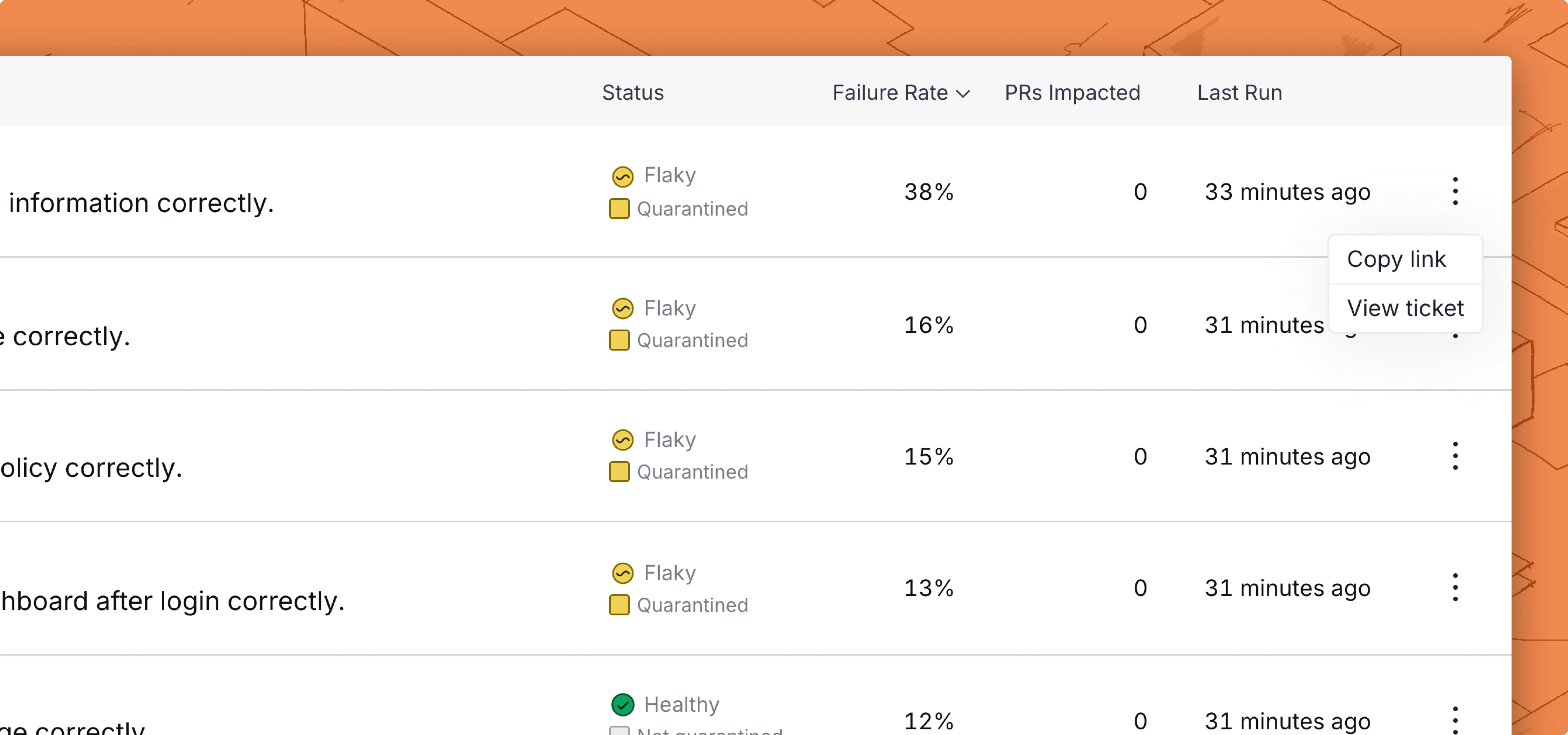
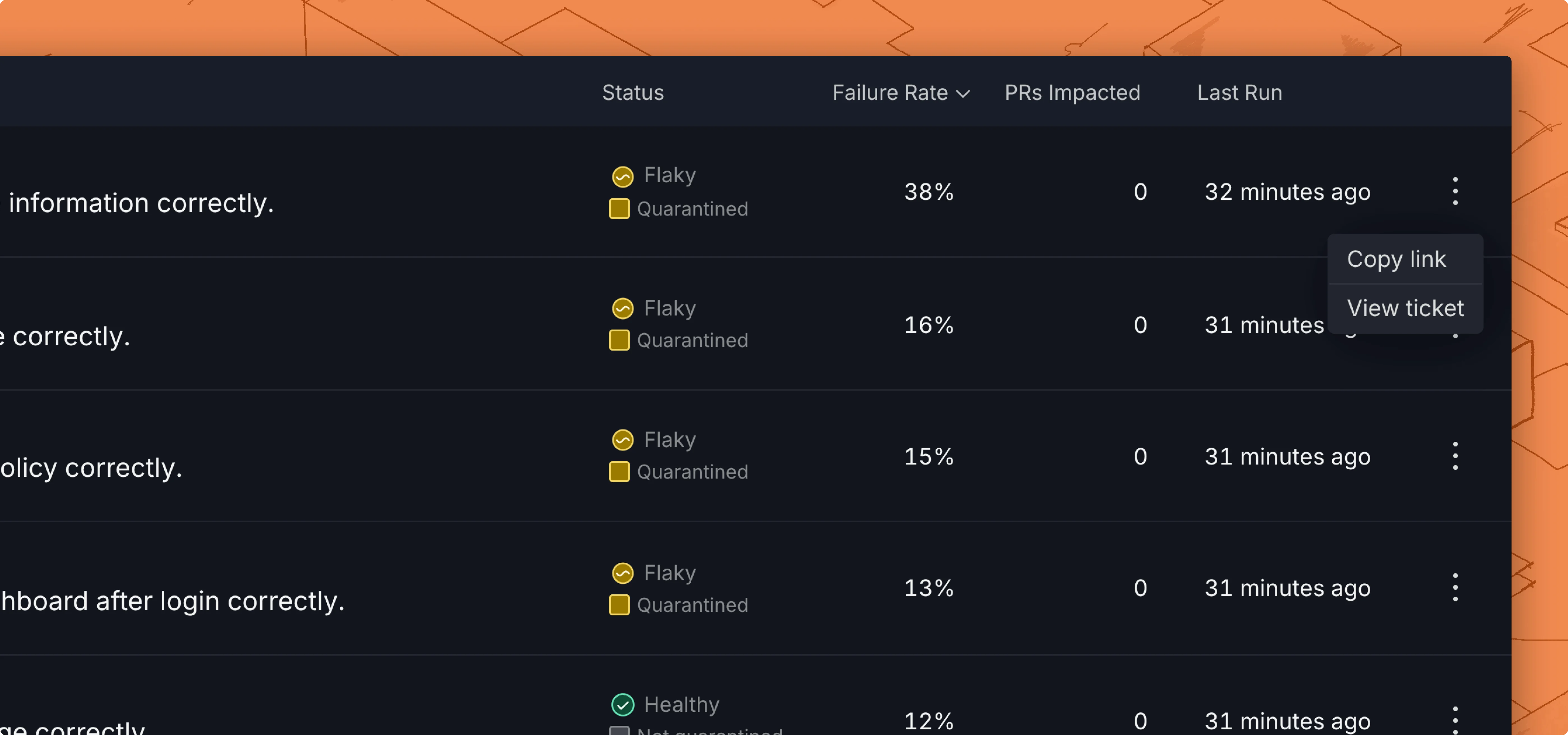 * Use the Create ticket button in the top left corner of the [test case details](../../dashboard#test-case-details) page.
Before you create the ticket, you will have a preview of the title and description.
* Use the Create ticket button in the top left corner of the [test case details](../../dashboard#test-case-details) page.
Before you create the ticket, you will have a preview of the title and description.
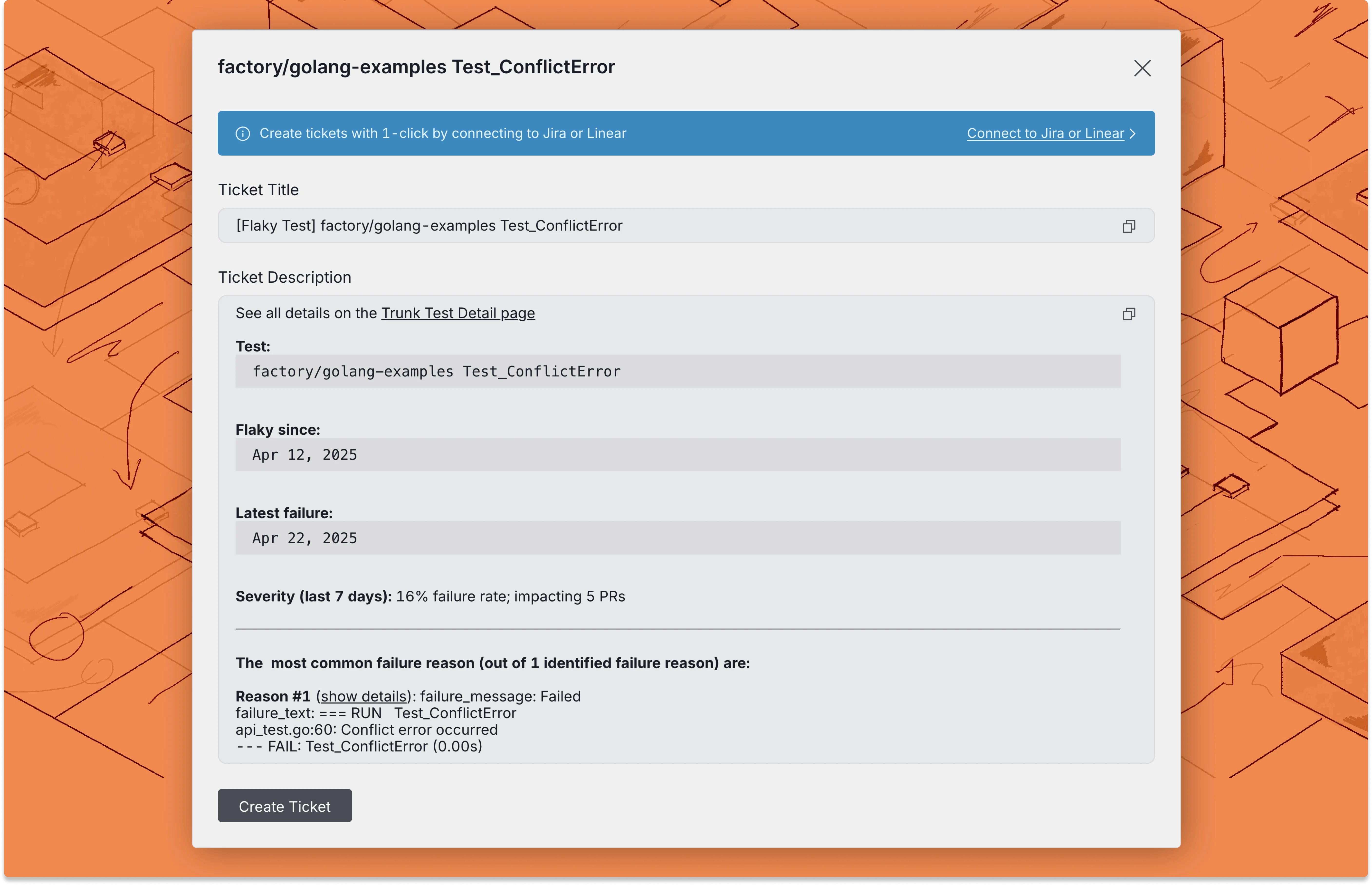
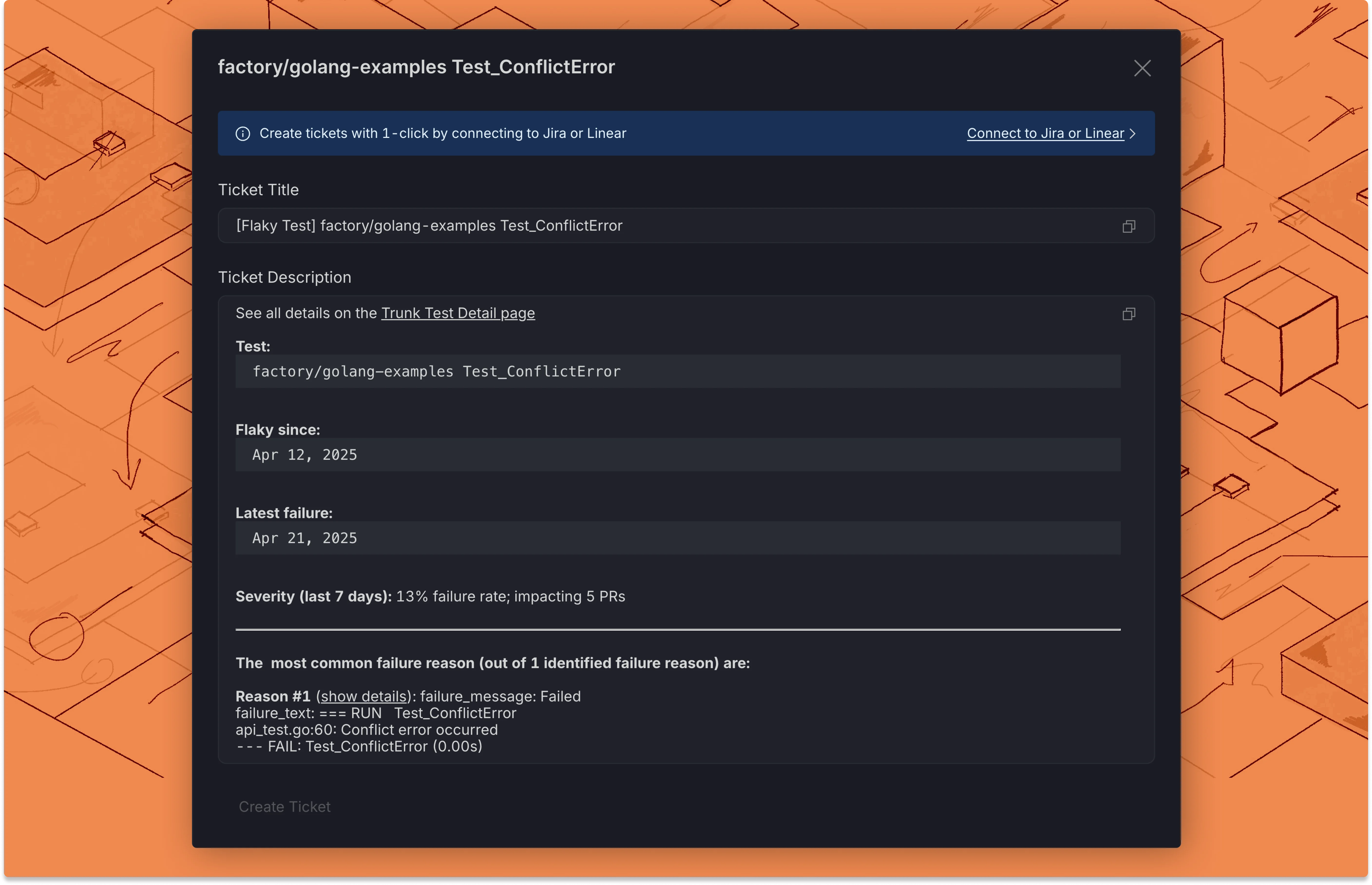 Now you can copy and paste the ticket title and description into your project management or ticketing platform.