# Account Setup

### Create a Trunk account

Welcome to Trunk! Before you can access Trunk's toolkit to ship faster, you must [create a Trunk account](https://app.trunk.io/signup). You can connect to Trunk in two ways:

* Connect with OAuth using your Google, GitHub, or Microsoft account.
* Connect with SSO through your organization's email. To configure SSO for your organization, please [contact us](mailto:support@trunk.io) or [join us on Slack](https://slack.trunk.io/).

### Create an Organization

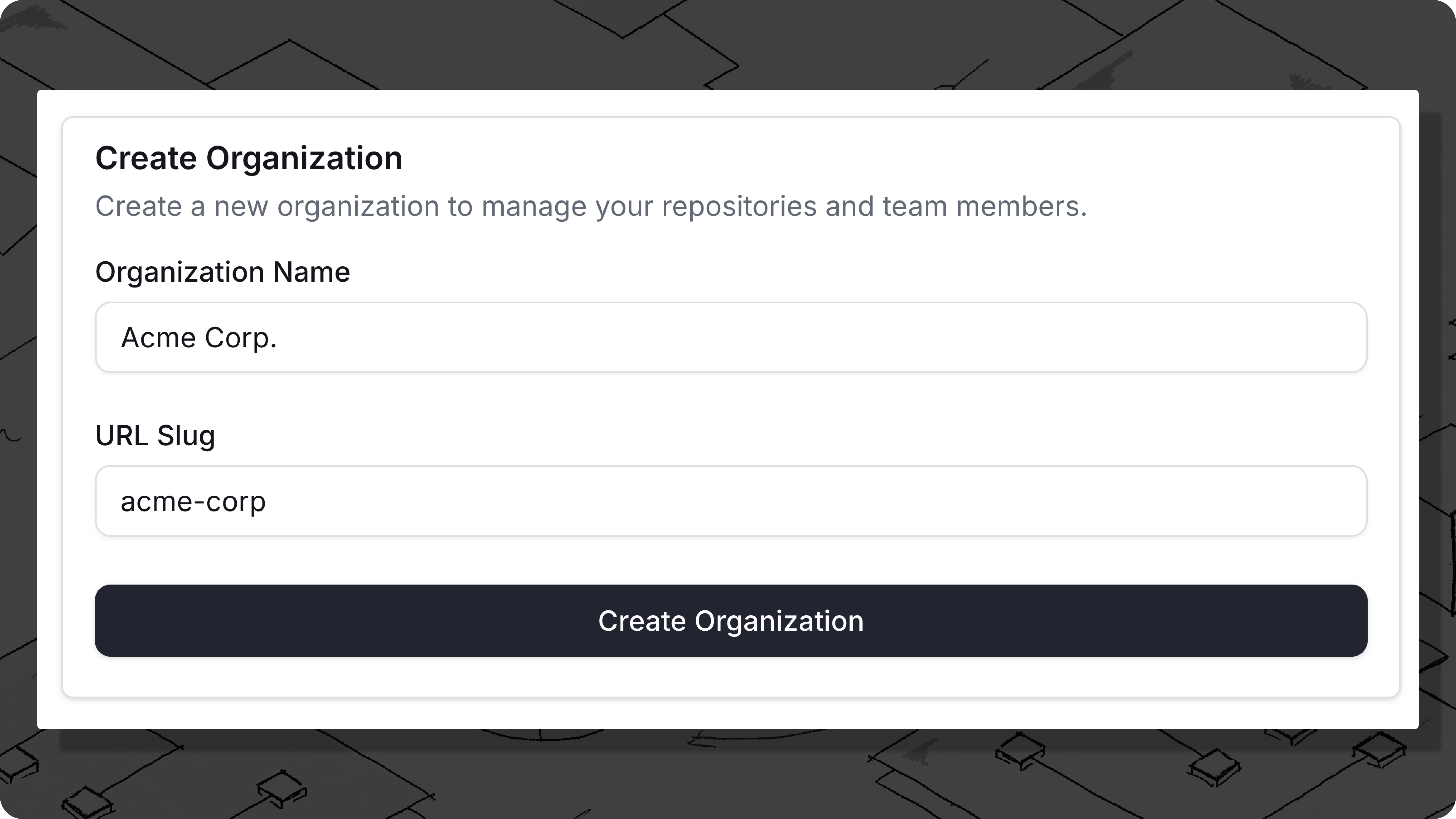
After creating a Trunk Account, you'll be invited to [create an organization](https://app.trunk.io/onboarding). Organizations are shared workspaces for your team, and **individual repositories** connected to Trunk will fall under your team's organization.

<figure><img src="/files/TBaWE26EfHyOdAYCRBvP" alt=""><figcaption></figcaption></figure>

To create your organization, you need the following:

* **Workspace Name**: This is the display name of your organization. This can be changed later.
* **URL Slug**: This is the link to access your workspace and also your [Organization Slug](/setup-and-administration/managing-your-organization.md#slug). This cannot be changed.

{% hint style="success" %}
**Trying to join your team?**

If your team is already on Trunk and you're looking to join an existing organization, see the docs on[ inviting team members](/setup-and-administration/managing-your-organization.md#inviting-team-members) and contact an organization admin.
{% endhint %}

### Start using Trunk

After connecting to Trunk, you're ready to get started.

### Next steps

<table data-card-size="large" data-view="cards"><thead><tr><th></th><th data-hidden data-card-cover data-type="files"></th><th data-hidden data-card-target data-type="content-ref"></th></tr></thead><tbody><tr><td><strong>Flaky Tests</strong></td><td><a href="/files/ChZSARKKLivloIXqevjq">/files/ChZSARKKLivloIXqevjq</a></td><td><a href="/pages/GBuiqT7APvUvOKCpQm4j">/pages/GBuiqT7APvUvOKCpQm4j</a></td></tr><tr><td><strong>Merge Queue</strong></td><td><a href="/files/Jr9RvP4GZisZS6DIK7lV">/files/Jr9RvP4GZisZS6DIK7lV</a></td><td><a href="/pages/7E2QSGeQ5ajDmV0BpQfT">/pages/7E2QSGeQ5ajDmV0BpQfT</a></td></tr></tbody></table>

<table data-card-size="large" data-view="cards"><thead><tr><th></th><th data-hidden data-type="content-ref"></th><th data-hidden data-type="content-ref"></th></tr></thead><tbody><tr><td>Manage your Organization</td><td><a href="/pages/VpzNckjemqr7ZEnsPWi7">/pages/VpzNckjemqr7ZEnsPWi7</a></td><td></td></tr><tr><td>Install the CLI</td><td></td><td><a href="/pages/OJc6wVrAfc2SLQZlJ2m1">/pages/OJc6wVrAfc2SLQZlJ2m1</a></td></tr></tbody></table>


---

# Agent Instructions: Querying This Documentation

If you need additional information that is not directly available in this page, you can query the documentation dynamically by asking a question.

Perform an HTTP GET request on the current page URL with the `ask` query parameter:

```
GET https://docs.trunk.io/setup-and-administration/connecting-to-trunk.md?ask=<question>
```

The question should be specific, self-contained, and written in natural language.
The response will contain a direct answer to the question and relevant excerpts and sources from the documentation.

Use this mechanism when the answer is not explicitly present in the current page, you need clarification or additional context, or you want to retrieve related documentation sections.