

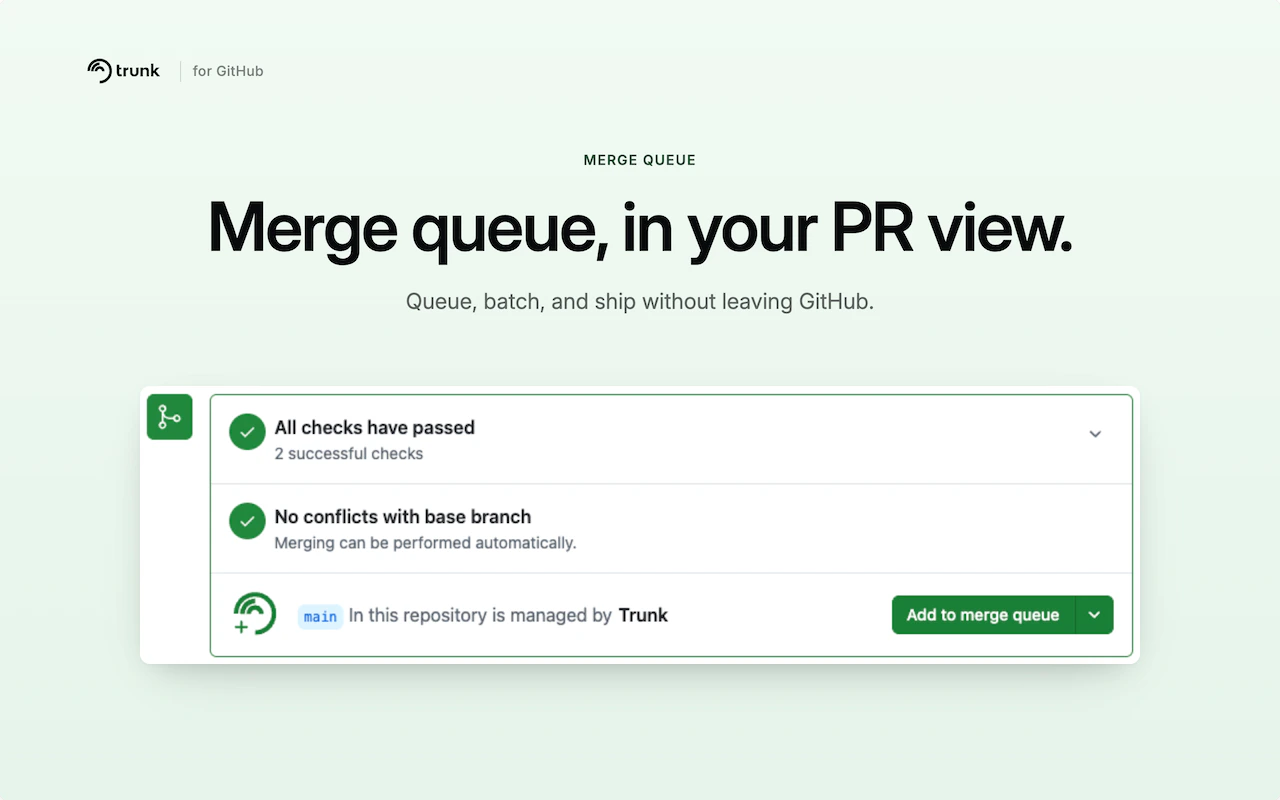
/trunk merge comment and waiting for a response. Now, the
extension overlays a Trunk panel directly on any PR page in a queue-enabled repository - replacing
GitHub’s native merge controls with queue-aware actions.
From the panel you can add a PR to the queue (with optional priority), cancel it, and watch it move
through each stage in real time: Queued → Pending → Testing → Tests Passed → Merged. No polling, no
tab switching.
Authentication reuses your existing app.trunk.io browser session - no new credentials, no API
tokens. Chrome admins can deploy it org-wide via the Chrome Web Store ID
liggeliamkammmieidmmfmmdnjilabgn.
Read the Docs to learn more.