# Flake8

[**Flake8**](https://flake8.pycqa.org/en/latest/) is a linter for Python.

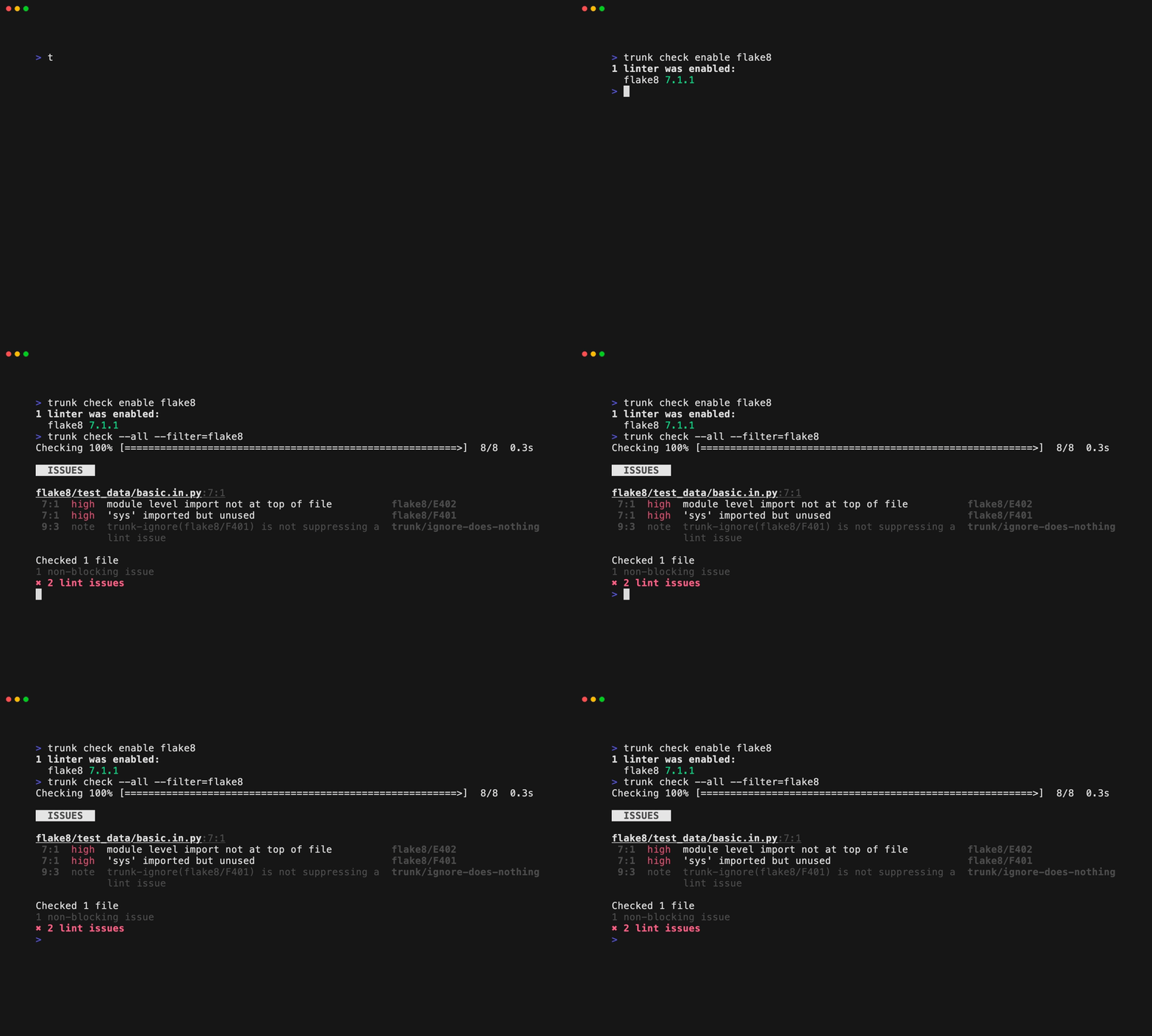
You can enable the Flake8 linter with:

```shell
trunk check enable flake8
```

![flake8 example output](https://577236045-files.gitbook.io/~/files/v0/b/gitbook-x-prod.appspot.com/o/spaces%2F61Ep9MrYBkJa0Yq3zS1s%2Fuploads%2Fgit-blob-890c89f30d91c2fcc336710d22c1cf163eb73a41%2Fflake8.gif?alt=media)

## Auto Enabling

Flake8 will be auto-enabled if a `.flake8` config file is present.

## Settings

Flake8 supports the following config files:

* `.flake8`

You can move these files to `.trunk/configs` and `trunk check` will still find them. See [Moving Linters](https://docs.trunk.io/code-quality/overview/configure-linters#moving-linters) for more info. Trunk Code Quality provides a default `.flake8` if your project does not already have one.

## Usage Notes

Flake8 has a plugin architecture where if you install a plugin, it gets used. You can enable Flake8 plugins via:

```yaml
enabled:
  - flake8@3.9.2:
      packages:
        - flake8-bugbear@21.4.3
```

`flake8-bugbear` is probably the most popular **flake8** plugin, we recommend it!. Here are a few other popular flake8 plugins you should consider.

* **flake8-comprehensions**: Helps in identifying unnecessary comprehensions in your code.
* **flake8-docstrings**: Checks for compliance with Python docstring conventions.
* **flake8-import-order**: Checks the order of your imports according to various configurable ordering styles.

Here's an updated code snippet with the above Plugins enabled:

```undefined
enabled:
  - flake8@3.9.2:
      packages:
        - flake8-bugbear@21.4.3
        - flake8-docstrings@1.7.0
        - flake8-import-order@0.18.2
        - flake8-comprehensions@3.14.0
```

## Links

* [Flake8 site](https://flake8.pycqa.org/en/latest/)
* Flake8 Trunk Code Quality [integration source](https://github.com/trunk-io/plugins/tree/main/linters/flake8)
* Trunk Code Quality's [open source plugins repo](https://github.com/trunk-io/plugins/tree/main)
