If you have not set up an integration, Trunk Flaky Tests can still generate a ticket title and description so you can copy and paste the details into your project management software.

Create a new ticket

You can create a new ticket for any test listed in Trunk Flaky Tests. To create one, open the test from your collection’s Tests tab and click the Create Ticket button on its details page. Before you create the ticket, you will have a preview of the title and description.
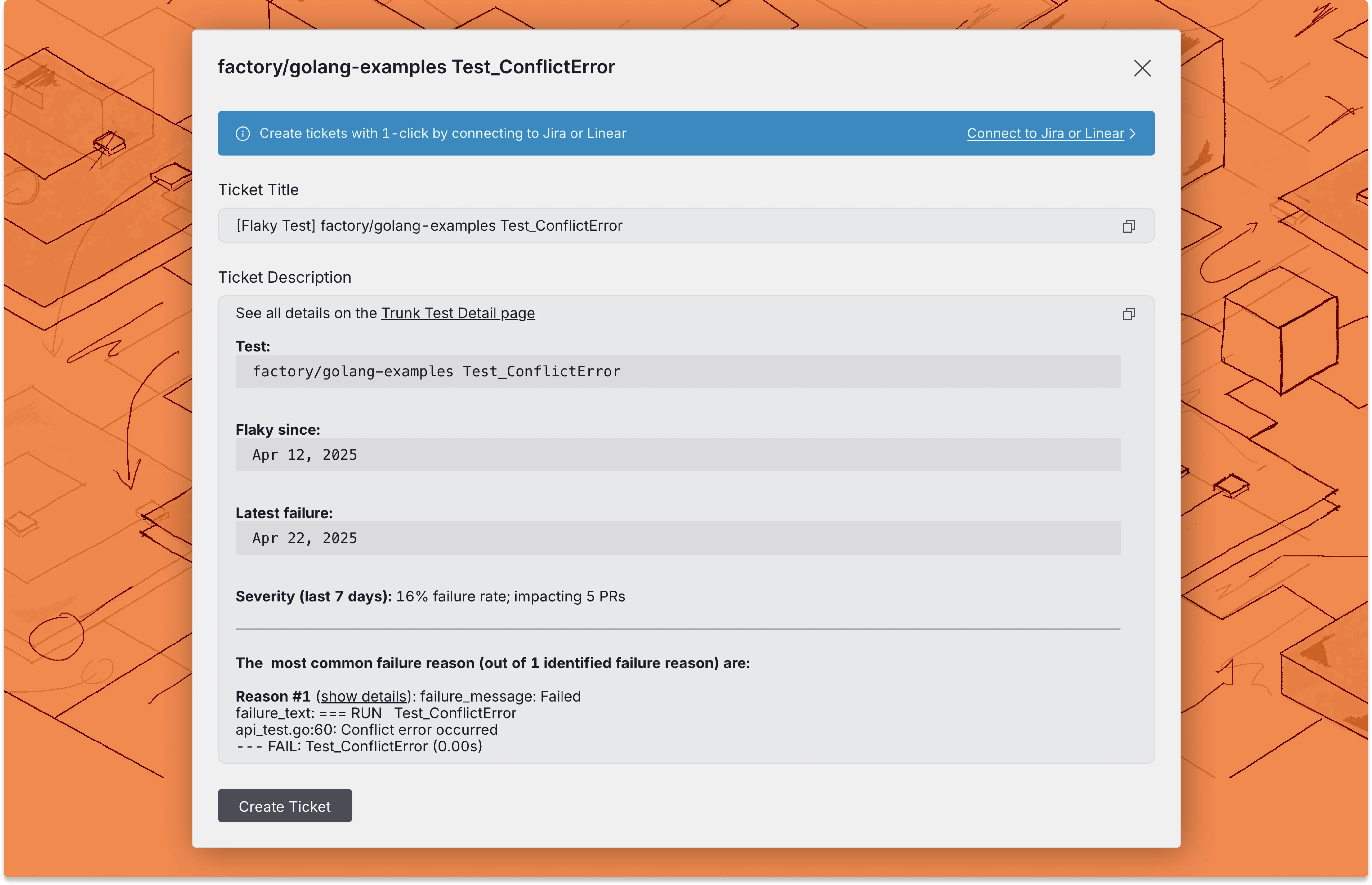
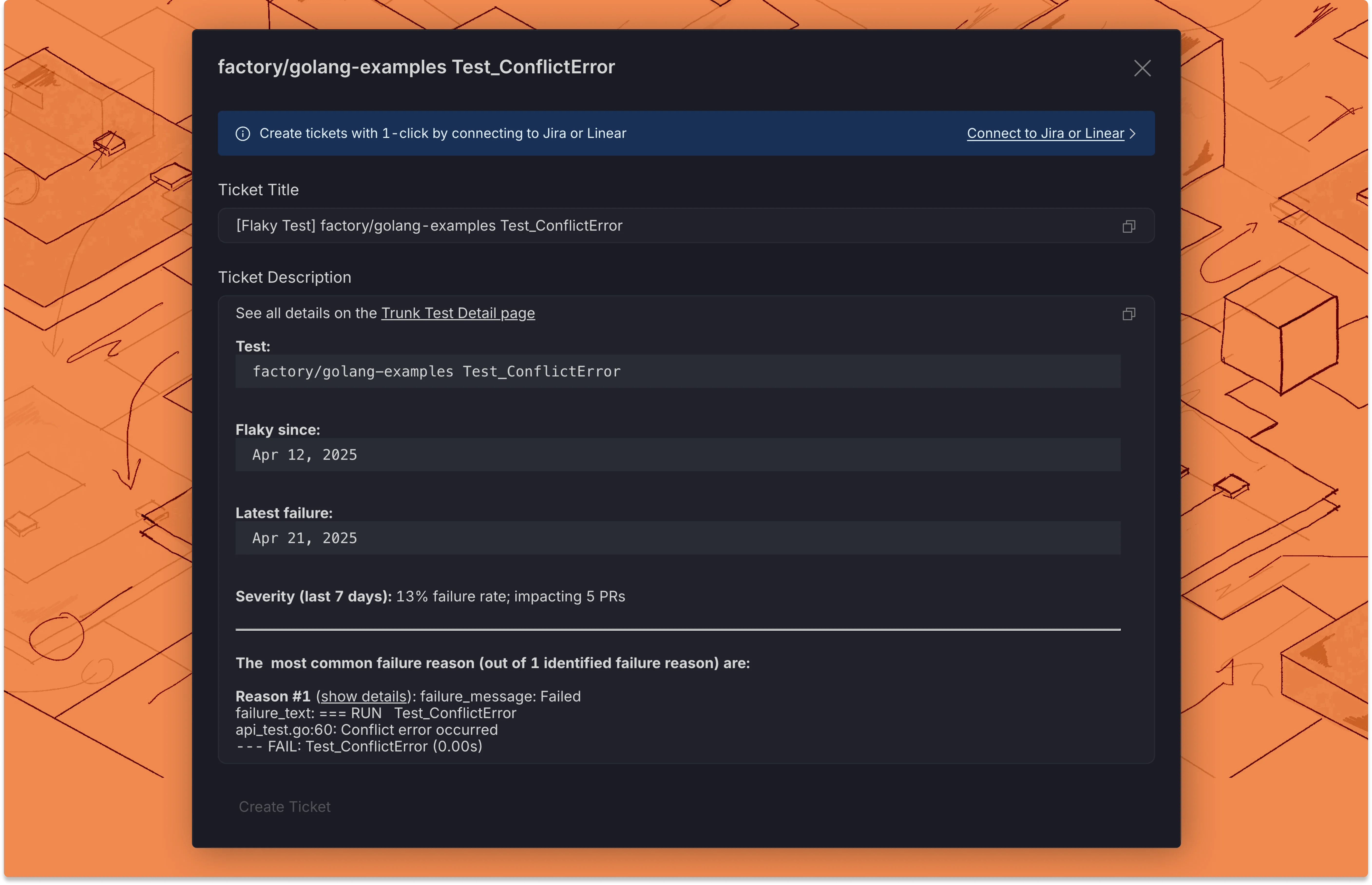
Now you can copy and paste the ticket title and description into your project management or ticketing platform.