

Understanding failures
When a PR fails in the merge queue, it’s automatically removed so it doesn’t block other PRs. Understanding why it failed helps you fix it quickly.Why PRs fail in the queue
Legitimate test failures (most common):- Tests fail because your code has a bug
- Tests fail due to conflicts with recently merged changes
- Tests fail because of missing or incorrect changes
- Integration tests reveal issues not caught locally
- Tests fail randomly, pass on retry
- Timing issues, race conditions, or external dependencies
- Network timeouts or resource contention
- See Anti-flake protection to handle these automatically
- GitHub API errors or rate limits
- CI runner out of resources or crashed
- Network connectivity problems
- Temporary infrastructure failures
- Branch protection rules misconfigured
- Required status checks not running
- Trunk unable to create test branches
- Missing CI configuration
- Another PR merged and created conflicts
- Your branch needs to be rebased
- Files were moved or renamed
Manually restarting failed pull requests
The PR Details panel has a dropdown “Actions” menu, where you can:- Restart tests. Use this to manually restart testing of this PR.
- Remove from queue. If the PR is “Queued”, then it will cancel it, preventing it from going into the queue until it is re-queued. If the PR is currently in the queue, it will be removed from the queue, which will restart all PRs that depended on it.
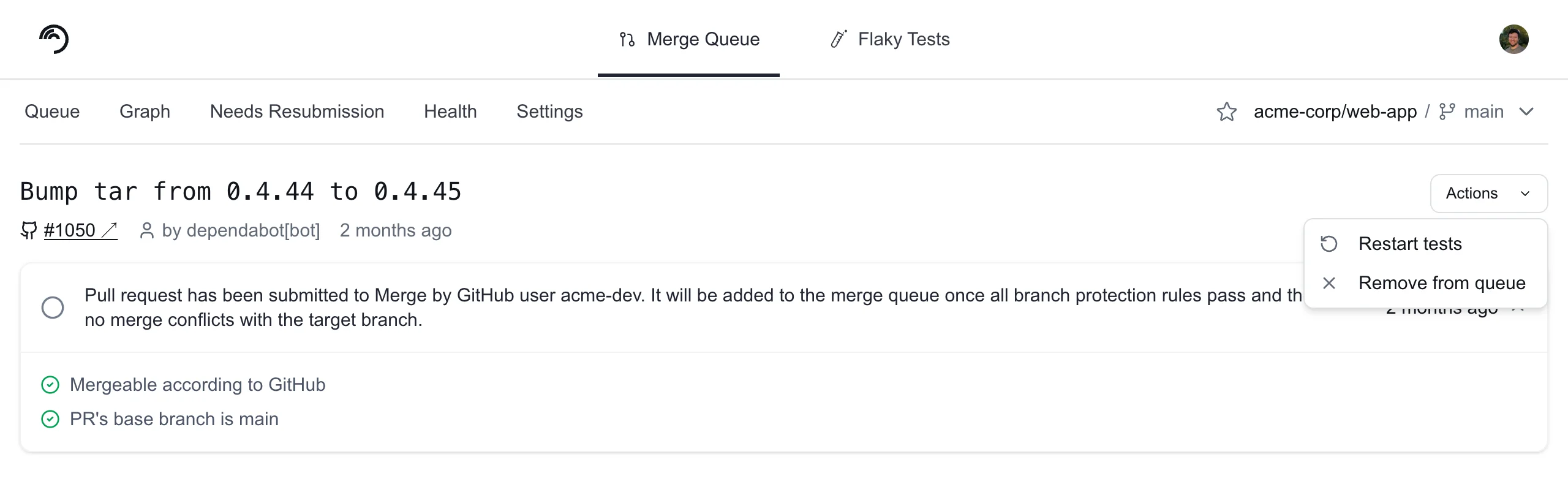
PENDING_FAILURE state because of something transient like a CI runner disconnecting or flakey tests, you can retry the PR right away instead of waiting for PRs in front of it to pass or fail.
Another reason to restart a PR is if the proper tests don’t get kicked off due to a failure in the CI system. For example, if GitHub has an outage and is not triggering workflows or actions properly.
Failure reason reference
When Trunk drops a PR, it records a failure reason that appears in the Trunk Dashboard and in API responses. Use the tables below to understand what happened and how to recover. Test and CI failures. These indicate that something went wrong during the test run itself.
Configuration issues. These mean Trunk could not start a test run because of a problem with your configuration.
GitHub and infrastructure. These are usually transient issues with GitHub’s API.
PR state and timing. These occur when the PR’s state changed in a way that prevents Trunk from proceeding.
Needs Resubmission
A table of the PRs that failed testing and were removed from the queue. Address the failures, then resubmit them to rejoin the merge queue.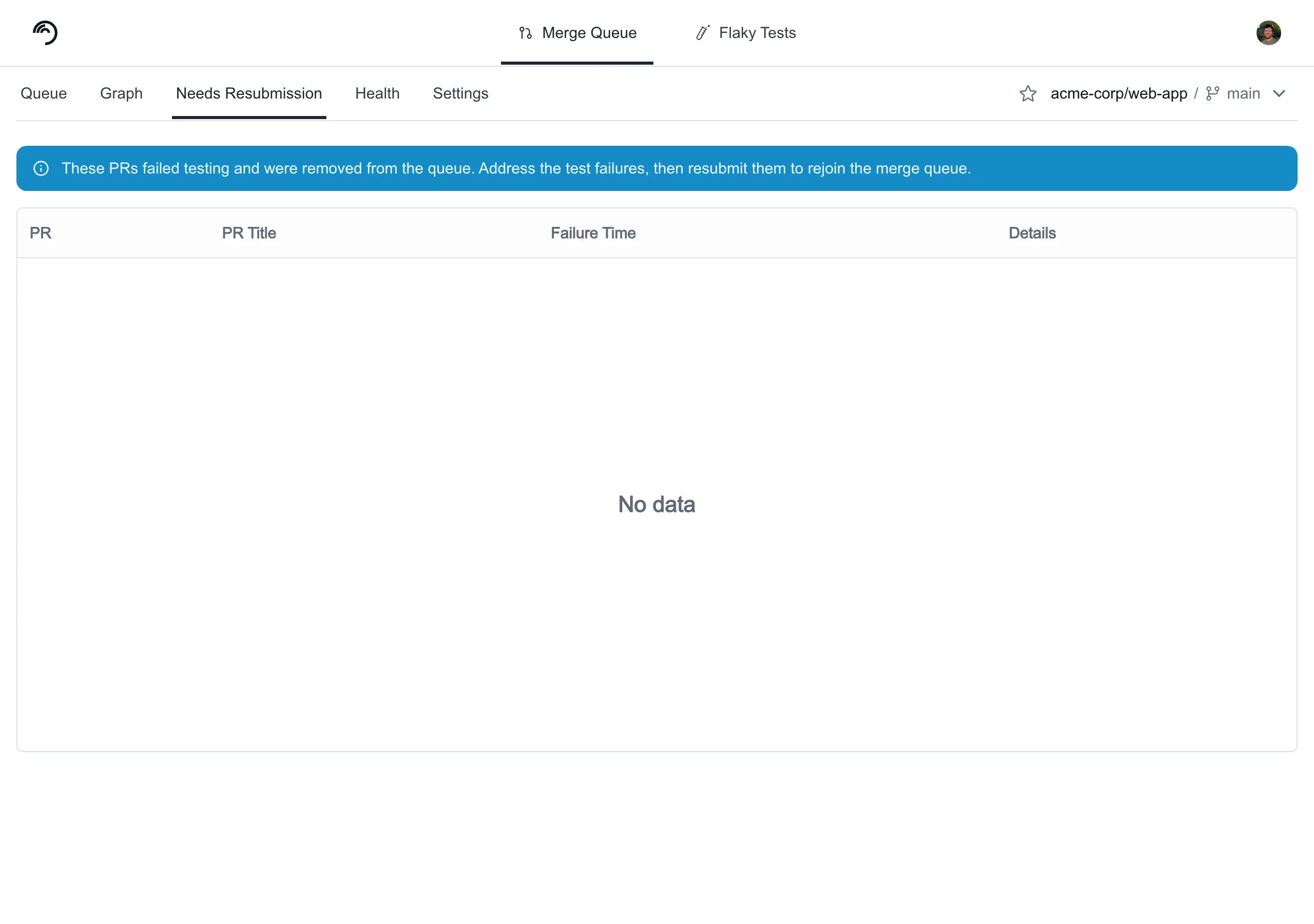
Retry failed pull requests from the Needs Resubmission tab
When a PR has been dropped from the queue, you can manually retry the PR by clicking the Details link in the Needs Resubmission tab to open the merge details screen. Then, click the Actions dropdown, and select Retry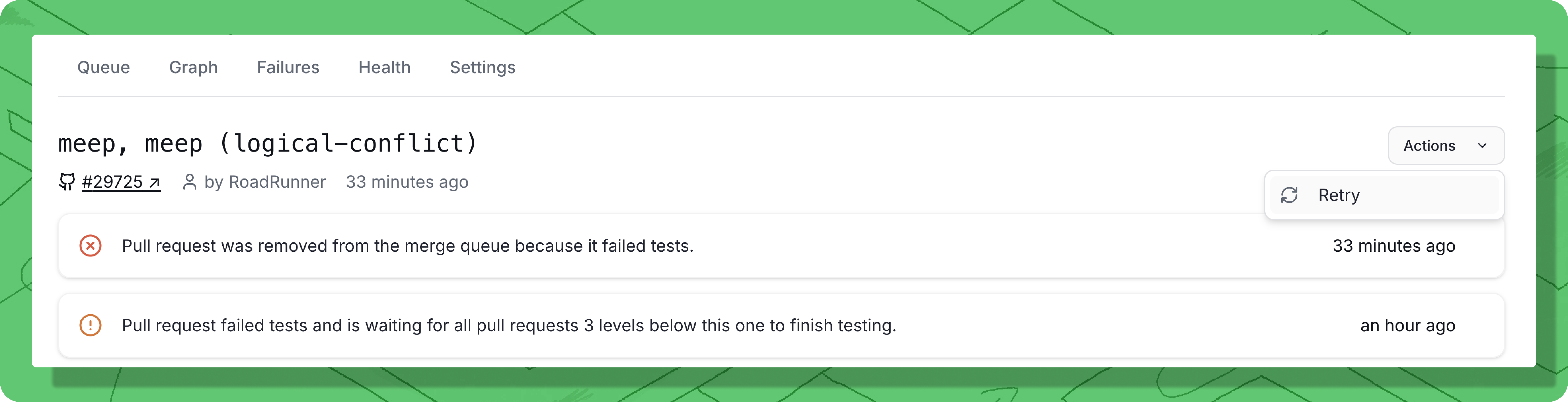
Re-queue a PR if it is currently not in the queue that has failed or been cancelled.